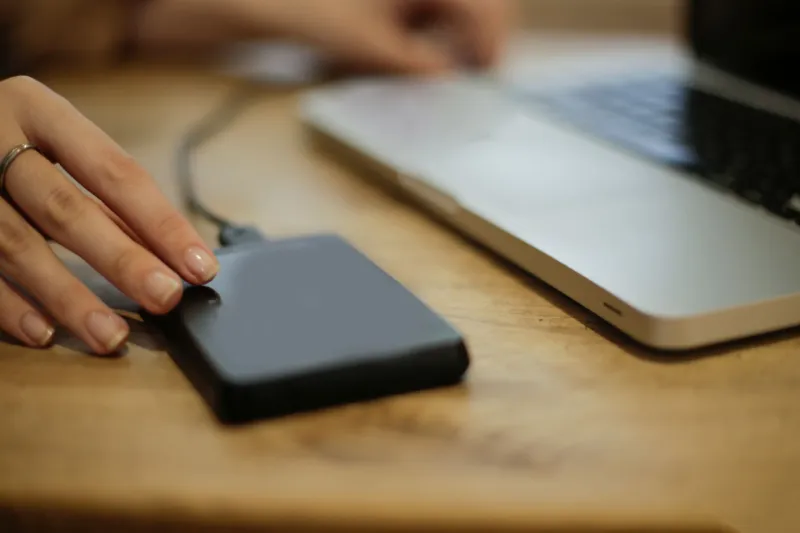
Frost, Drizzle and Dodgy Wi-Fi: A Real-World Winter Survival Plan for Outdoor Smart Gear
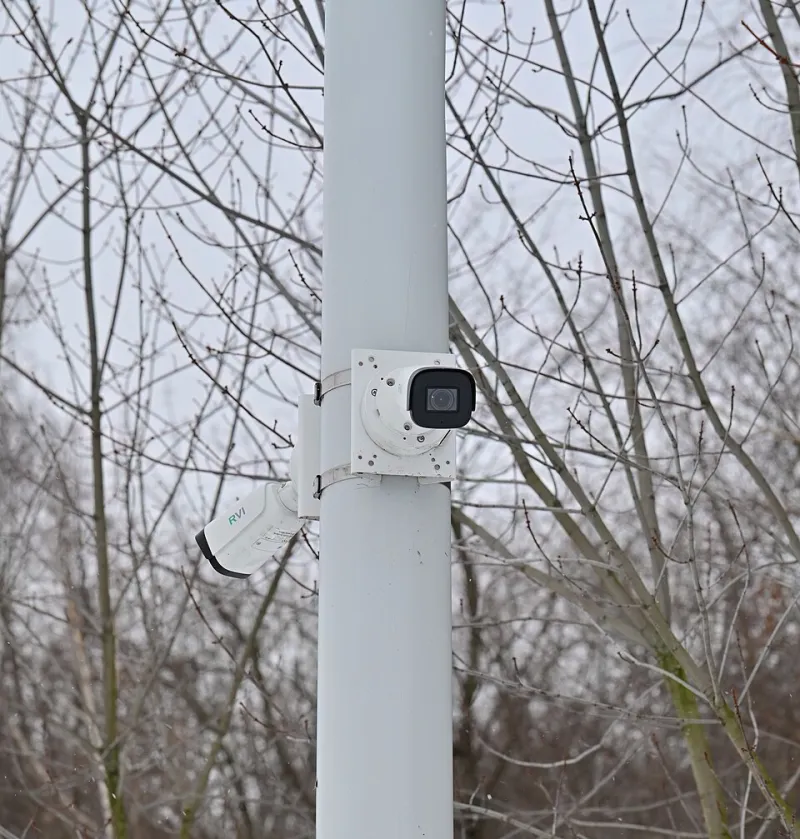
Photo: Юрий Д.К., CC BY 4.0, via Wikimedia Commons
British winters are not dramatic. They are worse than that: weeks of drizzle, a hard frost, a mild spell, then another soaking. Outdoor smart tech has to cope with all of it while still sending you notifications about a fox at 2am. Lab specs help, but they do not tell the whole story. A camera rated IP65 can still fog up, a doorbell can still lose Wi-Fi through a brick wall, and a plug adapter can still fill with water if it is sitting in the wrong place.
This is the BlueIce winter-proofing checklist: not a list of miracle products, but the practical stuff that stops outdoor gadgets failing when the weather turns.
IP ratings: read the second digit properly
An IP rating has two numbers. The first is dust and solid-object protection; the second is water. For outdoor gear in the UK, the second digit matters most, but it is not a simple “higher is better” contest.
IP65 means dust-tight and protected against water jets from a nozzle. It is fine for a camera under an eave or a doorbell in a sheltered porch. IP66 handles stronger jets and is a better shout for an exposed wall. IP67 means temporary immersion—useful if a device might sit in a puddle, but not a licence to dunk it. IP68 is deeper immersion for longer, and it is often quoted without the exact test conditions, so treat it as a claim rather than a guarantee.
“Weatherproof” is not an IP rating. Neither is “water resistant” without a number. If a listing cannot state the IP rating clearly, assume it is not suitable for permanent outdoor use. Also look at the weak points: cable entries, seams, rubber flaps and the connector behind the mounting plate. A camera can be IP66 and still fail because the cable gland was not tightened.
Condensation is the quiet killer
Water falling from the sky is obvious. Water forming inside the housing is sneakier. A camera warms up in the evening, then the outside temperature drops, and moisture condenses on the inside of the lens or the circuit board. Over a few weeks, that can mean foggy images, corroded contacts and a device that reboots for no apparent reason.
Mount gear under cover where you can—eaves, porch roofs, the sheltered side of a wall. Angle cameras slightly downwards so water runs off rather than sitting on the lens. Leave the manufacturer’s breather valve or membrane alone; do not seal every gap with silicone unless the instructions say so. If you are using a junction box, a small silica desiccant pack can help, but it is not a substitute for a proper seal. Check the lens for internal fog after a cold snap; if it clears during the day and returns at night, moisture is already inside.
Wi-Fi at the edge of the garden
Outdoor cameras and sensors are often placed exactly where Wi-Fi is weakest. A doorbell on the front wall has to push through brick, insulation and sometimes a metal door. A garden sensor at the bottom of the lawn is even worse. The result is not always a total dropout; sometimes you get delayed alerts, stuttering video and a device that drains its battery trying to stay connected.
Use 2.4GHz for range rather than 5GHz for speed. Check the signal strength in the app—roughly -65 dBm or better is comfortable, -75 dBm is marginal, and anything weaker will be unreliable in rain. If the shed or garage is the problem, a mesh node or outdoor access point can help, but only if it has a wired backhaul or a strong link back to the house. Battery cameras and doorbells suffer most in cold weather because lithium cells lose capacity and the device works harder to maintain a weak signal. Wired or PoE gear is less exciting but far more dependable in January.
Power, plugs and the gutter problem
Outdoor power is where sensible installations go wrong. Use an outdoor-rated socket with a closing lid, protected by an RCD, and mount it above ground level. Do not run an indoor extension lead out of a window and leave the joint on the patio. Even an “outdoor” plug adapter can fill with water if it is lying at the base of a wall where rain splashes back up.
Make a drip loop. That means letting the cable dip below the device and below the socket before it runs up to the connector, so water runs off the bottom of the loop rather than into the plug. Keep connectors off the ground and out of gutters’ firing line. If a gutter overflows in heavy rain, it will aim straight at whatever is mounted below it. Clear the gutters before winter and check the mounting position after the first storm. Cable ties should be snug, not crushing; tight ties can damage the cable jacket and let water in.
Installation fixes that stop winter failures
Before the cold arrives, update the firmware. Manufacturers often fix reconnection bugs and power-management issues that only show up when the temperature drops. Set motion alerts to a sensible sensitivity so the device is not waking constantly for rain or headlights. Check that local storage or cloud backup is actually working, not just that the app opens.
Give the device a physical once-over: clean the lens, check the seal around the cable entry, make sure the mounting screws are tight but not cracking the housing, and confirm the drain holes are clear. If you use a solar panel for a garden camera, accept that British winter sunlight is more of a rumour than a power source; plan to charge the battery manually or choose a wired unit.
The BlueIce winter checklist
- Check the IP rating, not the word “weatherproof”.
- Mount under cover where possible and angle lenses downwards.
- Form a drip loop on every outdoor cable.
- Keep plugs and connectors above ground and away from gutter overflow.
- Use an RCD-protected outdoor socket; avoid indoor extension leads outdoors.
- Check Wi-Fi signal at the device, not at the router.
- Update firmware before the first frost.
- Test alerts, recording and app access after a cold night.
- Clear gutters and check mounting positions after storms.
- Expect battery drain in cold weather; wired or PoE is the reliable option.
Outdoor smart tech does not need to be cosseted. It needs to be installed with a bit of weather sense. Get the IP rating, drainage, power and Wi-Fi right, and your cameras and sensors will keep working through the sort of winter that never makes the news but still ruins cheap hardware.